Daylight Saving
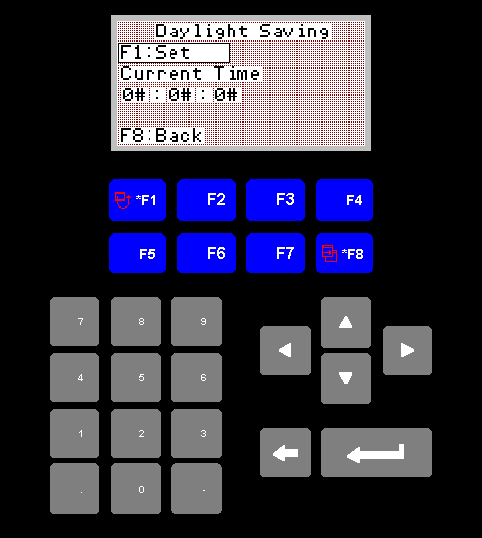
Daylight Saving Screen
This screen displays the state of daylight saving and the current time.
1. F1 Set
The second row of the display will either read "F1 Set" or "F1 Remove".
Pressing F1 will carry this out. i.e. If it is displaying "F1 Set" then
pressing F1 will cause an hour to be added to the current time, while
the converse will be true if it is displaying "F1 Remove".
2. F8 Back
F8 will return you to the settings menu.