User Settings
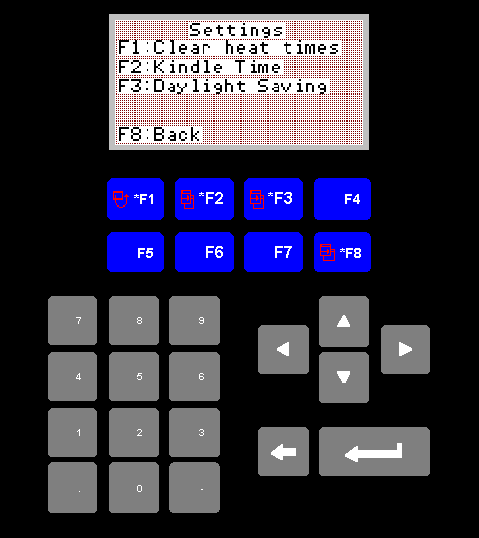
User Settings Screen
This screen allows you to clear all the stored heat times, adjust the
kindle times, and allow for daylight saving.
1. F1 Clear Heat Times
Be careful, pushing F1 will clear all heat settings for all zones. I have
provided this function as a quick fix, in the event the operator believes
he has made a mistaken entry in one of the zones, and wishes to start
again from a clean slate.
2. F2 Kindle Time
This will take you to the kindle time screen.
3. F3 Daylight Saving
This will take you to the daylight saving screen.
4. F8 Back
F8 will return you to the main menu.